
Your Business Phone System Directly on Teams

Time Conditions

Conference

Caller ID

Contacts

Call Forwarding

Call Queue

Call Recording
Ring Group
Microsoft Teams
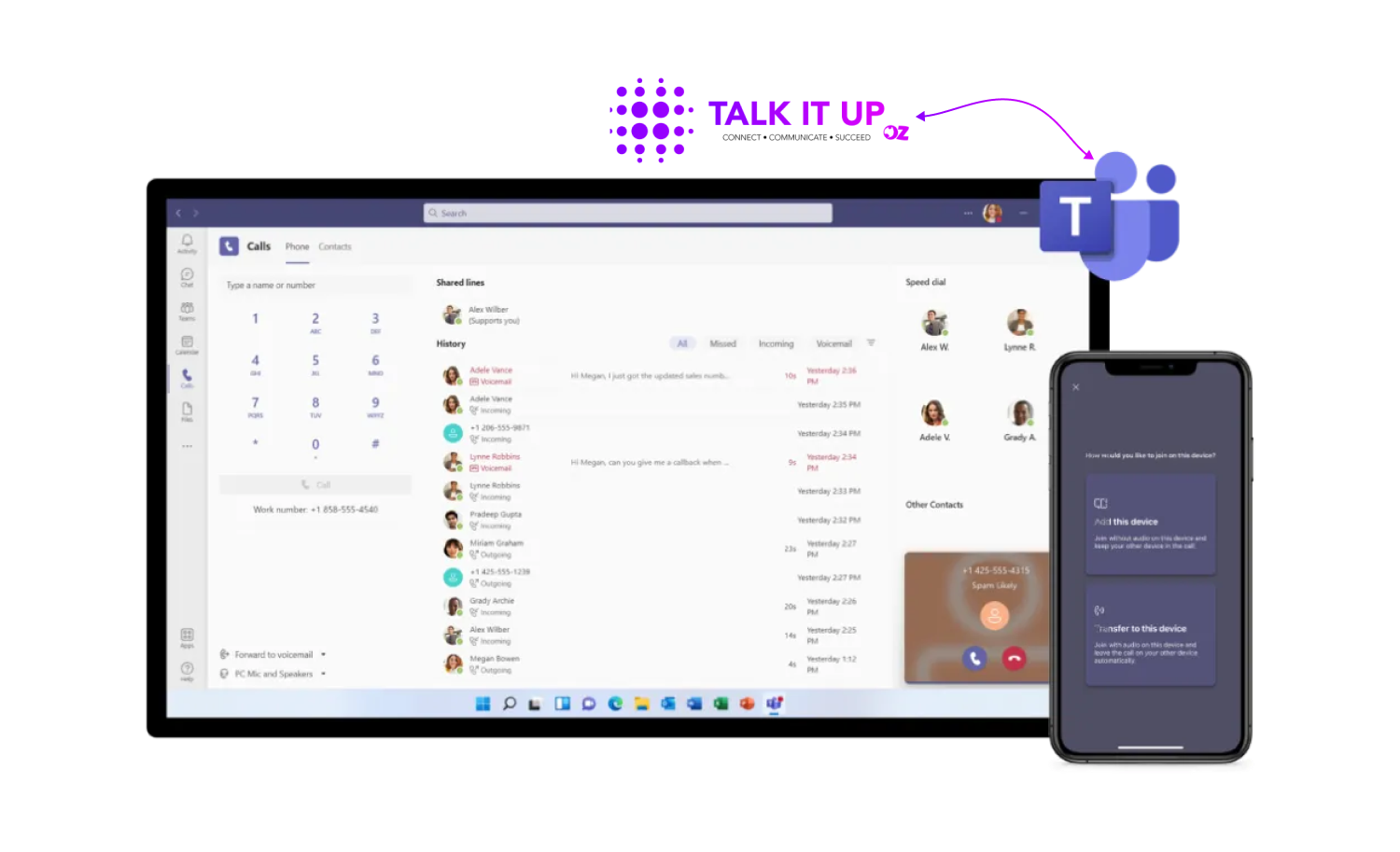
TALK IT UP for Microsoft Teams
Connect your voice services to Microsoft Teams within minutes with our one-click integration. No infrastructure or deep technical skills required. Automatically assign Direct Routing, Microsoft Calling Plans or Operator Connect phone numbers to users based on provisioning rules.
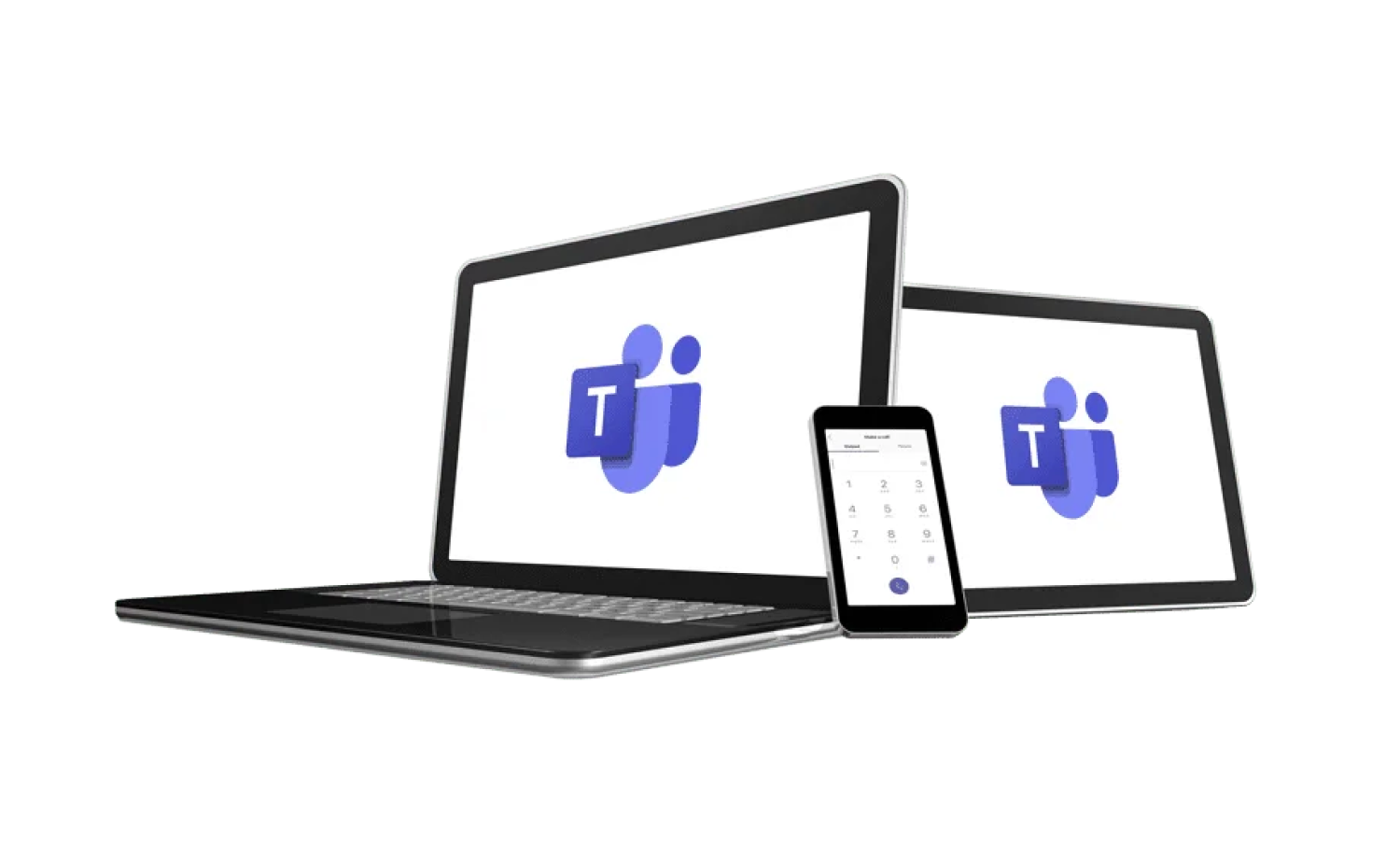
Improve your Microsoft Teams Experience
Bring the power of your TALK IT UP Hosted PBX to Microsoft Teams! Keep your existing phone numbers and enable your Microsoft Teams users to make or receive calls from the outside world.
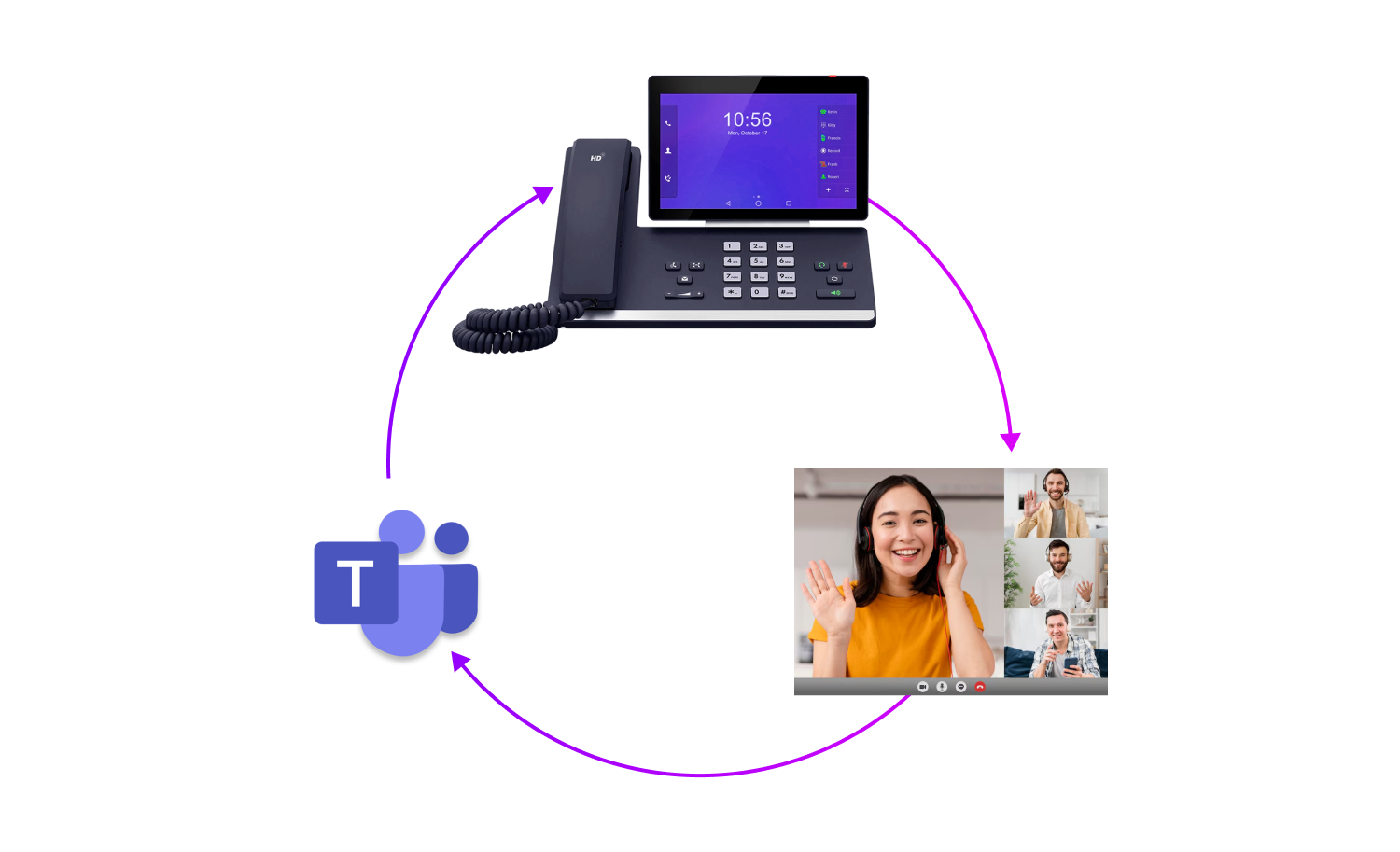
Unified Calling Experience
Keep everyone connected and able to communicate efficiently. Combine laptops and mobile phones and desk phones, call your regular TALK IT UP Hosted PBX extensions from your Microsoft Teams use
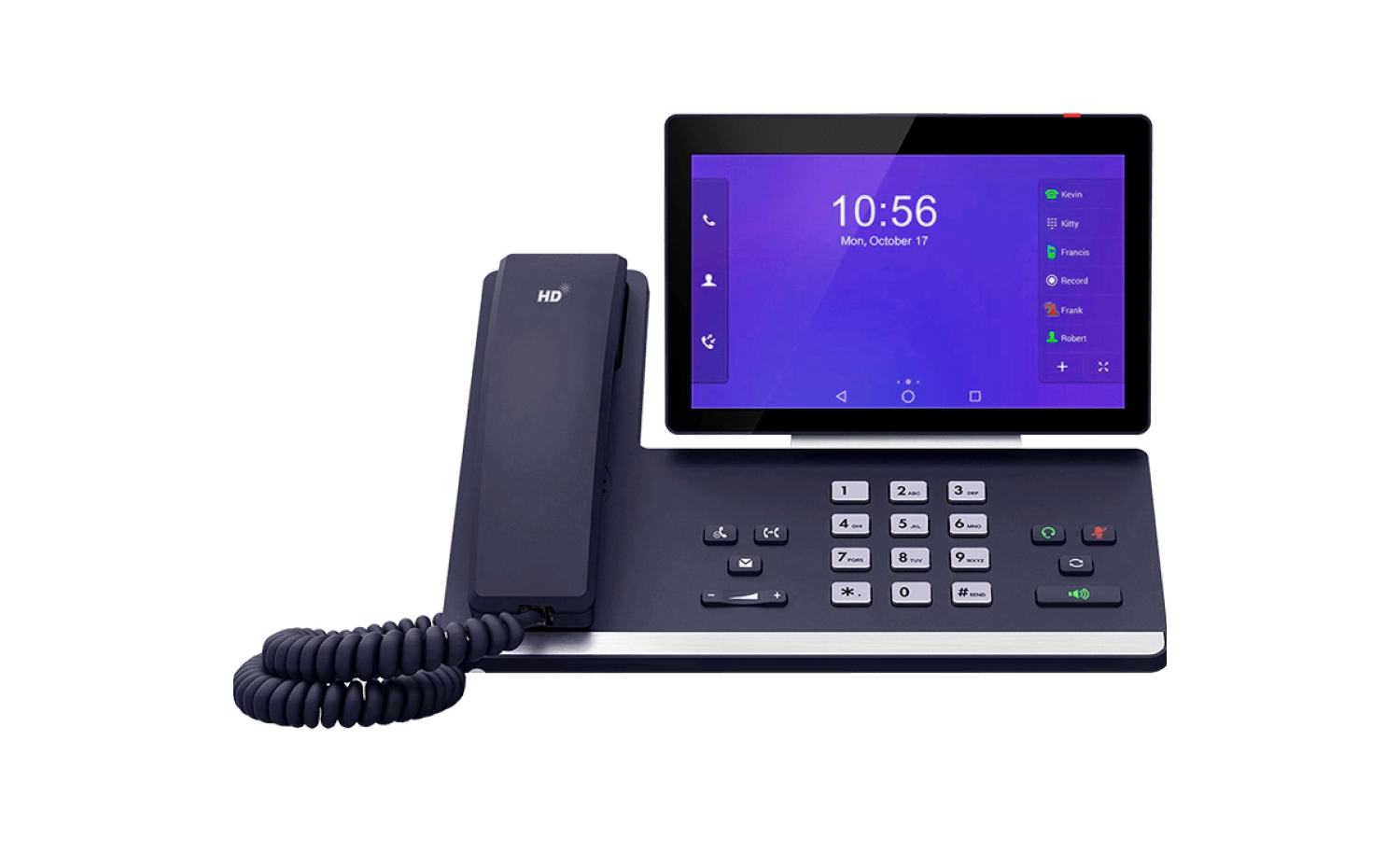
Microsoft Teams Certified Hardware
Take the stress out of new setup, we offer leading edge Yealink Microsoft Teams hardware. Log in directly with your MS Teams credentials, be up and running in a matter of minutes!
Microsoft Teams Direct Routing FAQ's
What is direct routing
Direct Routing allows Microsoft Teams users to use their telecom provider to route phone calls in and out of Microsoft Teams.
Can I use my Hosted PBX features with Microsoft Teams direct routing
All of Talk IT UP Hosted PBX features can be used with Microsoft Teams direct routing.
Can I use Microsoft Teams on desk phones
To use Microsoft Teams on a desk phone, it must be a MS Teams certified handset. We offer a range of MS Teams certified handsets from Yealink. It is not required to use a Microsoft Teams certified handset to user direct routing.
What is required to use direct routing for Microsoft Teams
A Microsoft 365 subscription with appropriate teams licencing.